PAD Academic

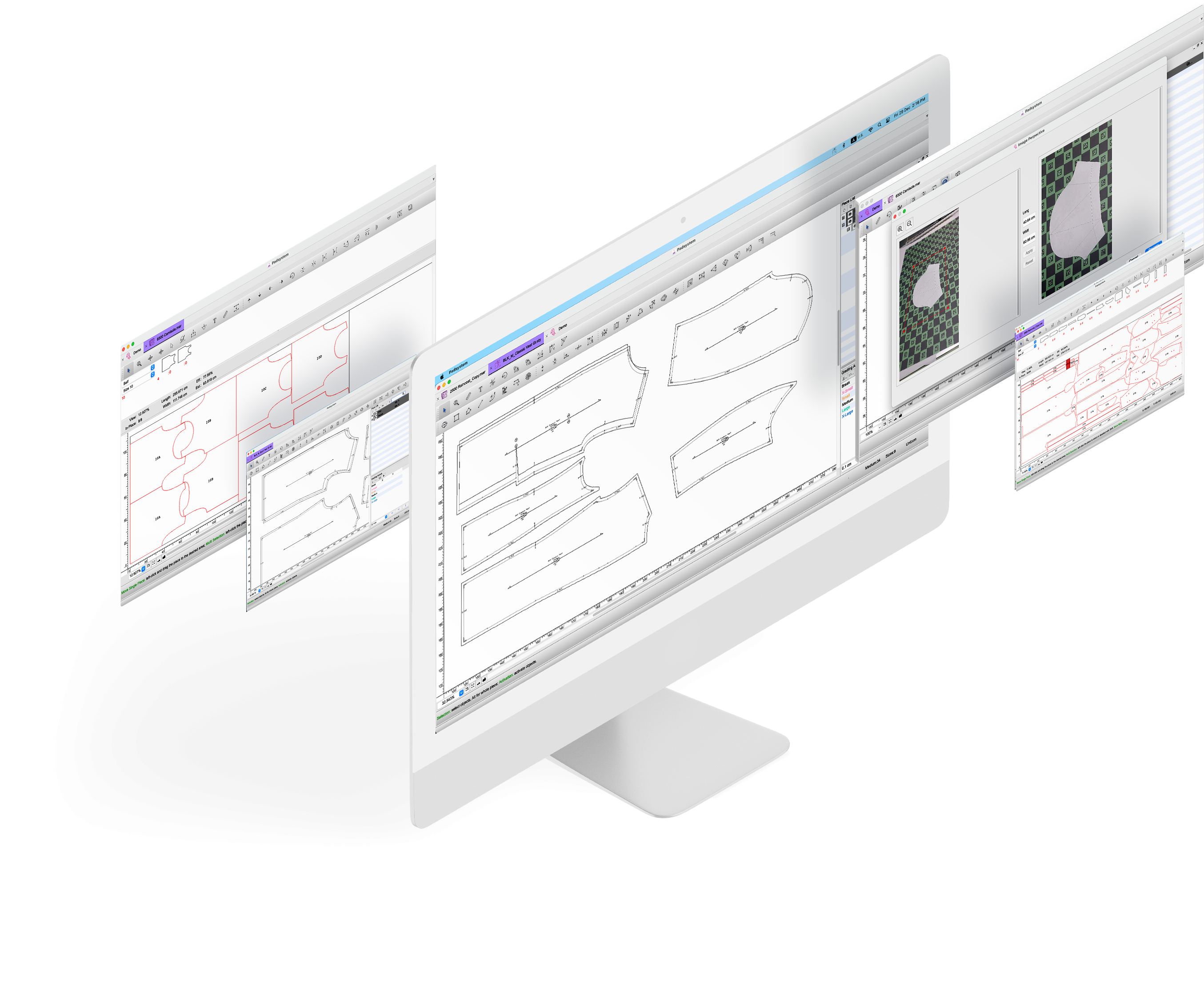
As a leading world-class CAD/CAM solution provider, PAD System understands the importance of preparing the new generation for the future apparel industry, and is commited in doing so. Thus, PAD has specially developed PAD² Academic version which provides education institutes with the latest technology to educate students, and offers students of Design schools, universities with easy-to-use tools to experience pattern and marker making. The knowledge gained from PAD Academic equips students with all necessary skills before they join the apparel industry or become a professional designer in the future.

PAD² Academic is an all-in-one package which includes all important functions for pattern development and marker making, allows students to simulate the process in actual production environment. Understand that students have limited budget, PAD Academic is set at an entry-level pricing to help the future generation well prepared for the fashion and apparel industry by equipping them with the best CAD software available.

PAD² Academic is available in 2 versions:

PAD² Academic Institute Version — ideal for education institute, university and/or fashion school to produce pattern and marker file for teaching purposes. Take advantage of powerful pattern piece characteristics tools and superior made-to-measure functionalities, and a wide range of pattern making workflow and performance enhancements. Marker functions are handy and yet powerful, allowing education institute to teach student how to produce efficient markers.

PAD² Academic Student Version — serves the needs of student to produce pattern and marker file at home or install the program to their laptop computer for mobility purposes. PAD Academic Student Version equipped with all the basics tools meeting industry standards, enables student to complete assignment.

Below is the feature comparison between the 2 versions:

Feature List


v.5.0 PAD Academic

Student Version

Institute Version

Pattern Design

User-friendly tools: multiple windows, dynamic floating toolbars, dropdown menus, pop-up menu …
Single interface to manage pattern creation, modification, grading and production
4 basic block construction (Skirt, Bodice, Pants and Sleeve) with easily modified parameters
Easy to use information library to store frequently used terms such as Piece Name List, Fabric Name List, Notch List, Punch Hole List, etc.
Technical sketch windows to compare pattern pieces side by side with designer sketches
Advanced pattern creation and modification tools for darts, pleats, curves, seam allowances, notches …
Sophisticated pattern grading features for fast and easy grading: Automatic Grading, Grading Arrows, Symmetry, Rotation, Freehand, Grading Library...
Allows style adjustment in grading area
Pieces Comparison (Outlines and Scale)
Displays pattern description on segment
Clone feature to define piece independency such that clone pieces will follow any change in the master piece including style, grading and seam allowance
Intelligent mirror for working on both sides of a pattern piece simultaneously
Made-To-Measure feature to customize measurement of pattern pieces in all sizes
Piece Production Treament supports CNC (Computed Numerically Controlled) cutter

Marker Design

Fast and easy marker creation using existing patterns
Print and preview mini marker layout with common printer
Fabric usage simulation panel
Powerful manual marker tools
Special fabric treatment: plaid & stripe, fold and tubular, oneway fabric
Piece manipulation and treatment: Pattern Refreshment, Spacing, Shrinkage, Scaling...
Lockin Marker (copy and rotate marker layout)
Piece sequence arrangement
Cut file optimization: Sequence, knife Start Point, Lift and Plunge, Symmetrical Cut...
Supports various cutting commands for CNC cutter
Support of network plotting
Supported file formats:
- Previous PAD System File Formats: Version 4 files
- DXF File Formats: DXF-AAMA, DXF-Basic, DXF-ASTM, TIIP, HPGL
- Other company CAD File Formats: Gerber Native and Lectra Native Read only
Supports cut file formats: ANSI file

Restrictions:

  • PAD² Academic Student Version supports up to 3 sizes and 20 pieces per style.
  • PAD² Academic Student Version can not open previous PAD System file formats.
  • License for PAD² Academic Version cannot be used for commercial purpose.