PAD Elite
Master Digit
Master Marker
Opticut AutoMarker
Opticut Plus
Marker Optimizer
System Utilities

Software - Opticut AutoMarker


Opticut AutoMarker

PAD Opticut AutoMarker
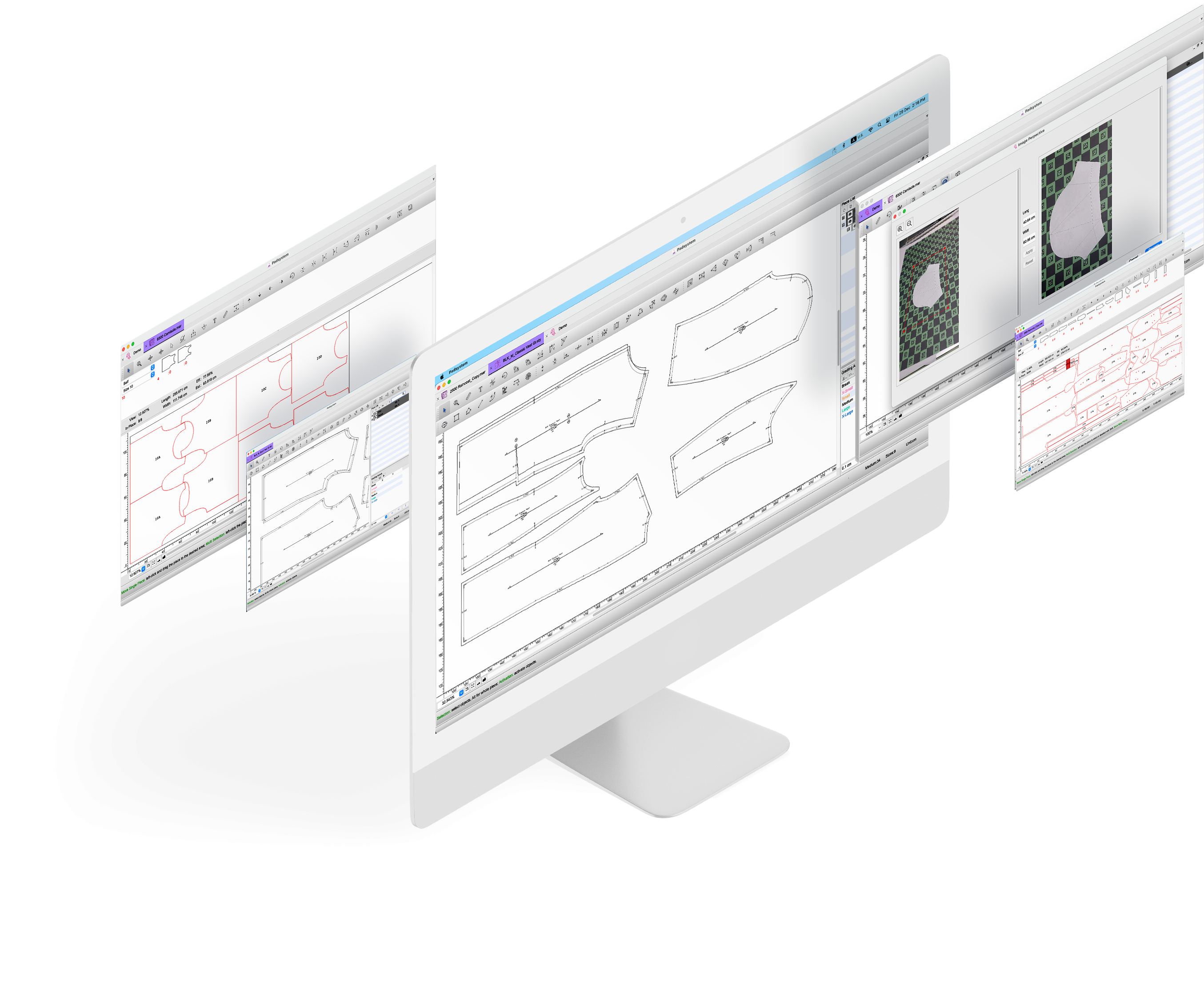
PAD Opticut AutoMarker is a professional nesting tool that lays out markers or patterns automatically. It links your marker to the original pattern style, allowing pattern changes to be updated automatically in the related marker. Estimate on fabric consumption can be calculated immediately for purchase planning.

What's new?

  • Retro-save - Ensures file compatibility with previous versions all the way down to v4.0.
  • Sectional marker - Creates marker per section either by size or group of sizes with interlocking pieces between sections permissible.
  • Special fabrics and design - Automatically handle plaids and stripes design, folded and tubular fabrics. Mini-marker report shows plaid and stripe lines and links between pieces.
  • Seamless upgrade - Optional upgrade to Opticut Plus with a more powerful marker engine for more efficient result. It also works seamlessly with Marker Optimizer to achieve maximum level of savings on fabric consumption.

Use Opticut AutoMarker to:
  • generate markers automatically or interactively.
  • prepare marker files for production cutting.
  • calculate fabric consumption automatically.
  • integrate with Opticut Plus and/or Marker Optimizer for maximum efficiency.
  • suitable for a wide range of industries, including fashion, accessories, footwear, furniture, automotive, aerospace, marine or industrial fabrics.

Key Benefits :

  • Complete automation of the marker making process with substantial improvement in productivity.
  • Fast and accurate estimation of material consumption.
  • A proven remedy to skill shortage in the industry.
  • Capable of non-stop operation 24 hours a day 7 days a week.
  • Upgradeable to more powerful marker and optimization engines (Opticut Plus, Marker Optimizer).
  • Fast ROI with immediate savings once started.
  • Compatible with a wide range of equipment via standard formats such as DXF-AAMA, ANSI, HPGL and Universal Driver.

Key Features :

  • Simple three-step marker set-up: style, fabric width and breakdown.
  • Single marker file with multiple layers.
  • May apply different fabric widths on each layer.
  • Piece manipulation and treatment toolbox.
  • Multiple shortcuts that speed up the workflow.
  • Multiple AutoMarker parameters: symmetry, spacing, one-way, rotation, tubular, folded…
  • May modify file name, set-up, priority and other parameters at any time.
  • Full view to visualize the entire marker.
  • Copy and Paste function between layers and markers.
  • Copy and Paste options for size modifications and piece symmetry.
  • Import/Export options for extended compatibility.
  • Pattern Refreshment function for piece manipulation.
  • Notch Conversion feature to customize exiting notches in the fabric simulation area.
  • Many types of double notches selectable from the notch list.
  • Block and Scale functions.
  • Markers and selected pieces can be scaled.
  • Plaid and Stripe function.
  • Match pieces using guidelines.
  • View/plot stitch lines in the fabric simulation area.
  • Calculate fabric consumption automatically.
  • Integrated Opticut View with optimized functions for robotized cutters.
  • Monitor window for batching automatic marker processing.
  • Automatic Fill a Hole tool for optimized fabric consumption.
  • Work with Plot Network module for plot files management.
  • Seamless integration of Opticut Plus and/or Marker Optimizer modules for further enhancement in operation efficiency and reduction of fabric consumption.
  • Language Support: Chinese (Simplified and Traditional), English, French, German, Italian, Japanese, Korean, Polish, Spanish.

Recommended System Requirements

Operating System

Windows XP or Vista / OS X 10.4 or higher

Processor

Intel Core 2 Duo or equivalent

RAM

1GB or more

Hard Disk

80GB (Installation requires approx. 100MB)

CD-ROM

(for software installation)

USB Port

1, or 2 if Opticut Plus/Marker Optimizer is used

Extra USB Ports

Required for extra equipment , e.g. plotter, digitizer, etc.

Compatibility Chart


PC

OS X

Elite (Pattern, MTM, Clone)

Y

Y

Master Digit

Y

Y

Master Marker

Y

Y

Opticut AutoMarker

Y

Y

Plot Network

Y

Y

Opticut Plus

Y

N

Marker Optimizer

Y

N

File Converter

Y

N


Opticut AutoMarker - Marker-making made easy!


A new way to solve old problem - Laying out pattern pieces with minimum waste of cloth!


Software | Support | News | Commuinty | Company | DistributorLogin

Copyright ©2009-PAD System International Limited - All rights reserved. Optimized for Internet Explorer