Marker Optimizer v4.8
Superior Performance! Superior Results!
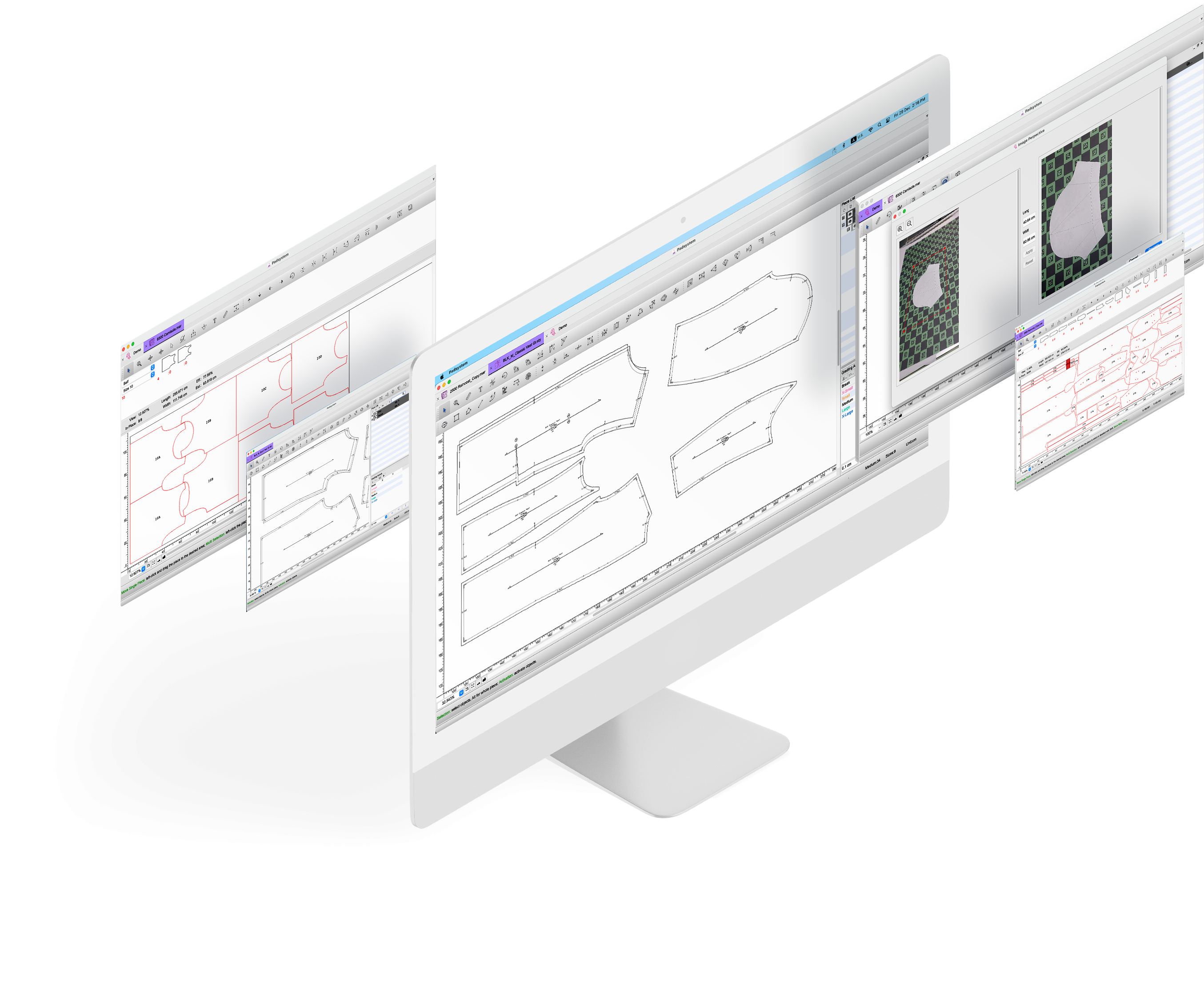
PAD Marker Optimizer uses revolutionary technology which significantly reduces fabric consumption by improving marker efficiency.
PAD Marker Optimizer intelligently manipulates a manually-made marker considering fabric and model constraints to reduce its length. It can be used interactively or automatically.
With instant returns through guaranteed materials saving and increased productivity, Marker Optimizer is the state -of -the -art tool for creating maximally efficient production markers.
Marker Optimizer is fast, easy to used and money saving.
Use Marker Optimizer to:
- enhance performance of manual markers or automated marker.
- achieve maximum efficiency in terms of fabric savings and boost in productivity.
- integrate with Master Marker, Opticut AutoMarker, or Opticut Plus for maximum efficiency.
- suitable for a wide range of industries, including fashion, accessories, footwear, furniture, automotive, aerospace, marine or industrial fabrics.
Key Benefits:
- Without requiring large investment, Marker Optimizer is a positive resource;
- Marker Optimizer delivers a superior return-on-investment solution by cutting production costs while enhancing productivity;
- Marker Optimizer is used in factories worldwide, and supported by an international network of distributors;
- Marker Optimizer is the optimum solution to save time and money.
Key Features:
- Reduces length of all markers;
- Squeezes pieces into areas of the marker that cannot be placed manually;
- Automatically detects and corrects overlaps caused by style and size subsitiutions;
- Analyses marker and tells the operator which area and pieces in the marker are poorly nested;
- Suggests pieces which will reduce marker length maximally if they are overlapped fractionally;
- Adjusts a marker for a wider or narrower width;
- Adjusts a marker for a different buffer size, or place buffers around individual pieces;
- Automatically aligns pieces to facilitate cutting.
Recommended System Requirements
Operating System |
Windows XP or Vista / OS X 10.4 or higher |
Processor |
Intel Core 2 Duo or equivalent |
RAM |
1GB or more |
Hard Disk |
80GB (Installation requires approx. 100MB) |
CD-ROM |
(for software installation) |
USB Port |
1, or 2 if Opticut Plus/Marker Optimizer is used |
Extra USB Ports |
Required for extra equipment , e.g. plotter, digitizer, etc. |
Compatibility Chart
|
PC |
OS X |
Elite (Pattern, MTM, Clone) |
Y |
Y |
Master Digit |
Y |
Y |
Master Marker |
Y |
Y |
Opticut AutoMarker |
Y |
Y |
Plot Network |
Y |
Y |
Opticut Plus |
Y |
N |
Marker Optimizer |
Y |
N |
File Converter |
Y |
N |
|

|