|
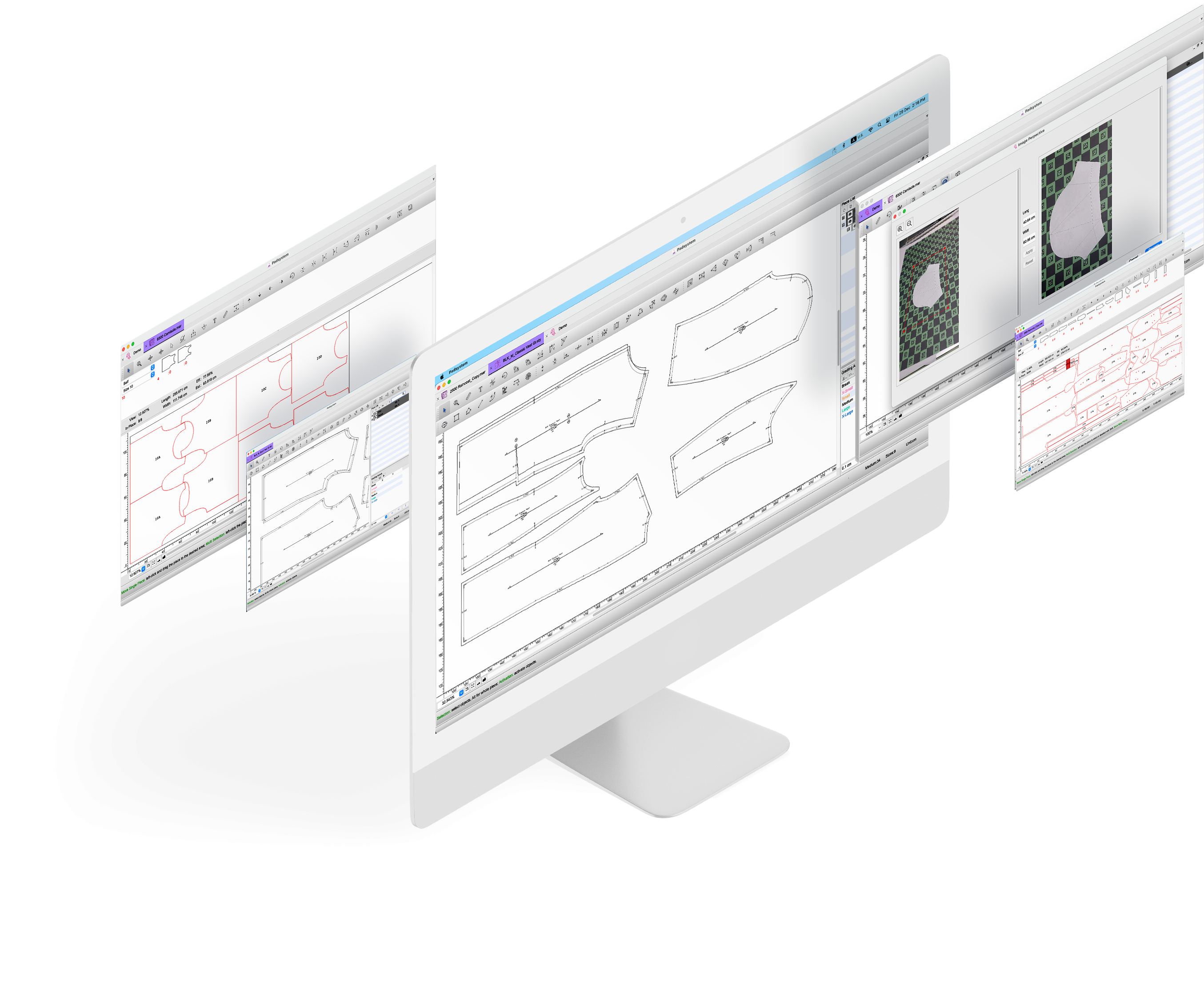
From its inception, PAD System has fulfilled the specific needs of all its clients - from young designers to major companies in the field of CAD/CAM software solutions. Functioning with Windows and Macintosh, PAD System software is able to satisfy the technical requirements of model makers, designers and other patternmakers while meeting management priorities - that is, reducing costs and improving productivity.
With a complete design suite - pattern - placement - production - the software offered by PAD System represents a set of cutting-edge modules that are complete, coherent, and compatible with the competition. In addition, it may also be used with the majority of standard peripherals on the market, such as digitizing tables, plotters, automated knives and even scanners.
Present in 50 countries and every continent, PAD offers top-quality, quick and effective technical support, as well as a training program given by experts.
All of our software modules are suitable for a wide range of industries, including fashion, accessories, footwear, furniture, automotive, aerospace, marine or industrial fabrics.
Our modular software offer includes:
PAD Elite (Pattern Design, Made-to-Measure, Clone)
Use PAD Elite to:
- design, create and modify pattern pieces.
- generate grading automatically.
- calculate sewn garment measurements in all graded sizes.
- generate garment specifications related to pattern pieces.
- adjust measurement on an individual basis for a custom fit of all related patterns.
- define interdependencies of pattern pieces so that clone pieces will follow any change in the master piece including style, grading and seam allowance.
- integrate with marker program for efficient production.
more info..
Master Digit
Use Master Digit to:
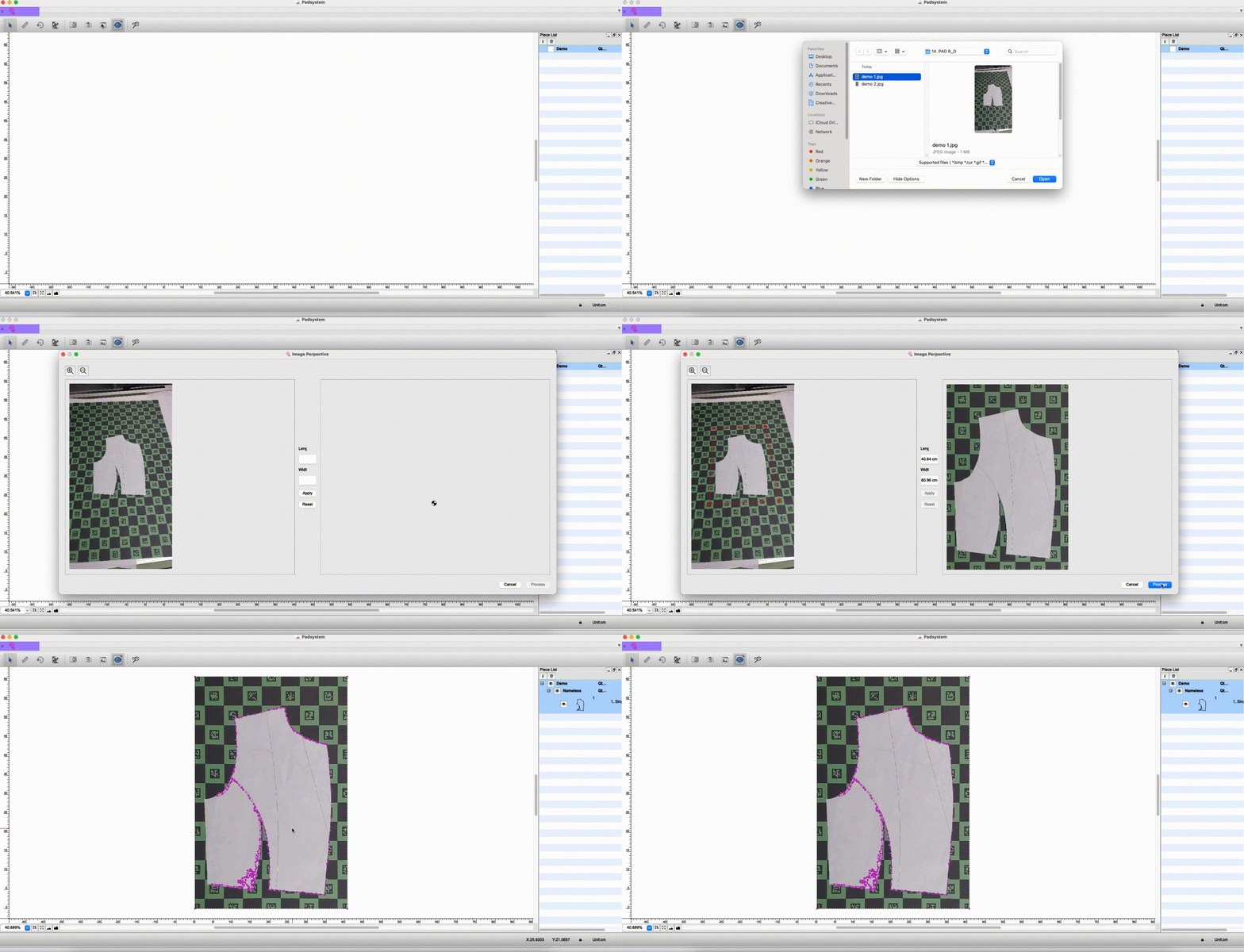
- perform on-screen digitizing, i.e. convert pattern piece images into digital format, including notches, punch holes, cuts and grain line, etc.
- create and modify pattern style.
- generate grading automatically.
- integrate with marker program for efficient production.
more info..
Master Marker
Use Master Marker to:
-
Produce high-quality markers efficiently.
- calculate fabric consumption automatically.
- integrate with Marker Optimizer for maximum efficiency.
more info..
Opticut AutoMarker
Use Opticut AutoMarker to:
- generate markers automatically or interactively.
- prepare marker files for production cutting.
- calculate fabric consumption automatically.
- integrate with Opticut Plus and/or Marker Optimizer for maximum efficiency.
more info..
Opticut Plus
Use Opticut Plus to:
- enhance efficiency and productivity of automated marker in terms of fabric savings and boost in productivity.
- integrate with Opticut AutoMarker for maximum efficiency.
more info..
Marker Optimizer
Use Marker Optimizer to:
-
enhance performance of manual markers or automated marker.
- achieve maximum efficiency in terms of fabric savings and boost in productivity.
- integrate with Master Marker, Opticut AutoMarker, or Opticut Plus for maximum efficiency.
more info..
Plot Network
Use Plot Network to:
-
manage batch plotting efficiently while permitting continuous use of the computer.
more info..
File Converter
Use File Converter to:
-
facilitate the exchange of CAD/CAM data files between different formats.
- read and translate Gerber and Lectra native files.
|